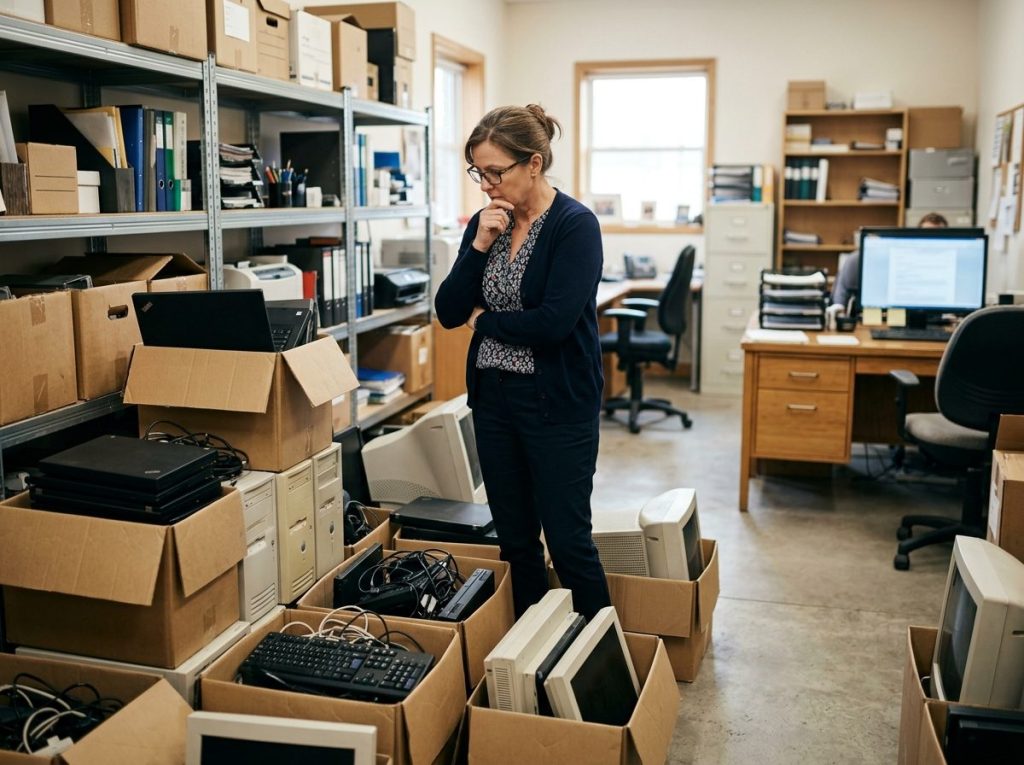
You bought a few laptops a few years ago. Maybe a couple of desktops, an old server, some phones for the team, and a printer that’s seen better days. Now they’re outdated, slow, or just sitting in a back room collecting dust. So you do what most small business owners do. You toss them in storage, donate them to someone, or hand them off to whoever offers to “take care of it.”
Here’s the problem. Every one of those devices still holds data. Customer records, employee files, financial information, maybe even health records if you’re in a regulated space. And until you properly retire that equipment, you’re carrying risk that doesn’t belong to you anymore.
That’s where ITAD for small business comes in. ITAD stands for IT Asset Disposition. It’s the process of securely retiring, wiping, and disposing of old technology so your data doesn’t end up in the wrong hands. It’s not just for Fortune 500 companies. If anything, small businesses need it more, because they have the most to lose.
Let me break down why this matters and what you should actually do about it.
What Is ITAD and Why Should a Small Business Care?
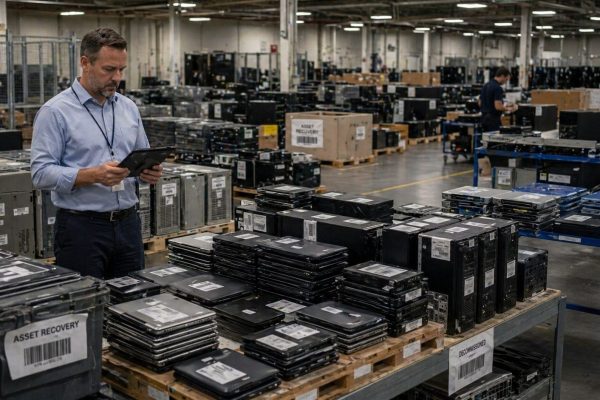
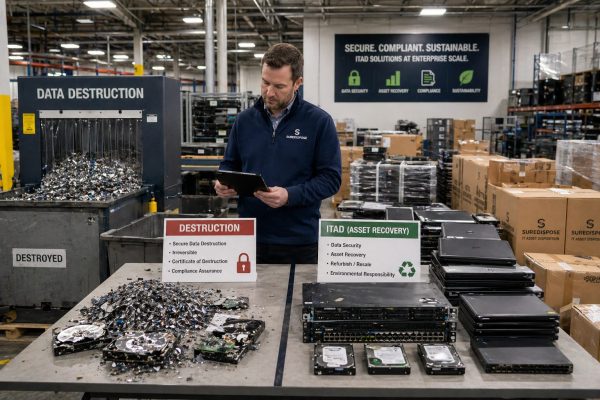
ITAD covers everything that happens to a piece of technology from the day you decide to retire it to the day it’s either resold, recycled, or destroyed. That includes the inventory, the data wipe, the chain of custody, the certificate of destruction, and the final disposal or remarketing of the equipment.
For a Fortune 500 company, this is a whole department. For a small business, it can be as simple as a documented process and a reliable vendor. Either way, the goal is the same: make sure your data is gone, your equipment is handled responsibly, and you have proof you did it right.
Most small business owners assume this stuff happens automatically. It doesn’t. Hitting “delete” or even “factory reset” doesn’t actually erase the data on a hard drive. With the right tools, that information can be recovered in minutes. That’s the gap ITAD closes.
Are Small Businesses Really Targets for Data Breaches?
Yes. And the data is brutal on this point.
According to recent research from Proton, companies with 10 to 249 employees account for 48% of data breaches in 2025, while companies with under 10 workers make up 23%, for a total of 71% of breaches hitting businesses with fewer than 250 employees. That’s not a typo. Most data breaches in the country are happening to businesses your size.
The cost is just as ugly. The average cost of a data breach for an organization with fewer than 500 employees is $3.31 million, up 13.4% year over year. Other industry studies put the typical small business breach closer to $120,000 once you factor in lost productivity, recovery costs, and customer churn. Either way, those are numbers most small businesses can’t absorb.
And here’s the part that really hurts. Roughly 60% of small businesses that suffer a serious cyberattack close within six months. Think about that. The work you’ve put into building your business can disappear because of a single incident, and a sloppy approach to retired tech is one of the easier ways to invite that incident in.
What Happens to the Data on Your Old Laptops, Phones, and Hard Drives?
Honestly? Most of the time, nothing good.
If you store retired devices in a closet, they’re a soft target. A burglary, a former employee with bad intentions, or even an honest mistake can put that data on the street. If you give them to an employee or “donate” them without wiping them properly, you’ve handed someone else’s personal information to a stranger.
If you toss them in the trash or hand them to an unknown recycler, you might think you’re done. You’re not. Devices regularly turn up at scrap yards and on resale sites with original data still intact. That trail still leads back to your business.
This is why the federal standard for media sanitization, called NIST 800 88, exists. It spells out exactly how to wipe, overwrite, or physically destroy storage media so the data can’t be recovered. You can read the full guideline on the NIST website, but the short version is this: a real ITAD partner uses NIST aligned methods and gives you a certificate proving every device was handled correctly.
Which Regulations Apply to Your Small Business?
A lot more than you’d expect. Here are the big ones to know about.
HIPAA. If you handle any patient information, even as a small clinic, dental practice, or chiropractor’s office, you’re on the hook. Improper disposal of devices that hold protected health information has cost real businesses real money. Cornell Prescription Pharmacy was fined $125,000 for improper disposal of PHI. New England Dermatology and Laser Center paid $300,640 for similar disposal failures. Parkview Health was hit with an $800,000 penalty for failing to securely dispose of paper records. Small organizations get fined too, not just hospitals.
State privacy laws. Even if you’re not in healthcare, states like California, Texas, Virginia, Colorado, and several others now have privacy laws that require you to protect personal information through its full lifecycle, including disposal.
PCI DSS. If you take credit cards, you’re subject to payment card data security rules that require secure disposal of any device that stored or processed cardholder data.
GDPR. If you sell to anyone in the European Union, you’re under GDPR, which has very specific rules about data destruction.
The point isn’t to scare you. The point is that ITAD for small business isn’t optional anymore. There are real rules attached to how you get rid of your tech, and ignorance is not a defense an auditor will accept.
What Does ITAD for Small Business Actually Look Like?
You don’t need a huge budget or a dedicated IT staff to do this right. A solid small business ITAD process has five basic pieces.
First, you keep an inventory. Know what you own, where it lives, and who has it. A simple spreadsheet works for most small businesses, though tools like AssetTiger offer free asset tracking up to 250 items and make this much easier.
Second, when a device is ready to retire, you tag it and remove it from active use. Don’t let it sit on someone’s desk for months. The longer it lingers, the more likely it walks off or gets forgotten.
Third, you wipe the data using a verifiable method. For most small businesses, this means working with a vendor that uses certified software like Blancco Drive Eraser, which produces a tamper proof certificate of erasure for each device.
Fourth, the device gets resold, recycled, or destroyed depending on its condition and value. Working laptops can often be remarketed and put real money back in your pocket. Older or damaged equipment goes to certified recycling.
Fifth, you keep documentation. A chain of custody record, a serial number list, and certificates of destruction or erasure. If anyone ever asks what happened to that batch of laptops, you have a clean answer ready.
How Do You Find an ITAD Partner You Can Actually Trust?
This is where most small business owners get stuck. You know you need to do this. You don’t know who to call. You search “ITAD near me,” get hit with a wall of vendors all claiming to be the best, and have no real way to tell the good ones from the ones who will quietly dump your old equipment in a warehouse somewhere.
That’s the exact problem SureDispose solves. SureDispose helps small businesses find the right ITAD partner without the guesswork. Instead of cold calling vendors and hoping you picked a good one, SureDispose connects you with certified providers that actually fit your size, your industry, your compliance needs, and your location. You tell them what you have and what you need handled. They line up the right partner.
That matters because a qualified ITAD partner should check several specific boxes, and verifying those boxes yourself takes real time you probably don’t have. Here’s what a good partner should bring to the table:
- An active R2v3 certification, verifiable through the SERI Find a Recycler directory
- Data sanitization aligned with the NIST 800 88 standard
- NAID AAA certification for data destruction specifically
- Serialized inventory and a certificate of destruction for every device
- Both onsite destruction and pickup logistics available
- Insurance and full chain of custody documentation
A good ITAD partner for a small business should make this easy, not complicated. If a vendor is talking down to you or making it feel overwhelming, that’s a signal to look elsewhere. Working through SureDispose takes the vetting off your plate so you can stay focused on running your business.
So Where Does a Small Business Owner Start With ITAD?
Start with the closet. Walk through your office and find every retired device sitting in storage, on a back shelf, or in someone’s drawer. Write down what you have. Then let SureDispose match you with an R2v3 certified ITAD partner that fits your business, and request a quote for the pickup. That single step puts you ahead of the majority of small businesses and removes a quiet liability that’s been sitting on your books. The truth is simple. Small businesses face the same data security and compliance risks as the big ones, and sometimes more, because the consequences of getting it wrong are harder to absorb. ITAD for small business isn’t about doing what a Fortune 500 does. It’s about doing the basics well, with the right partner, so a forgotten laptop never becomes the reason your business ends up in the news.